
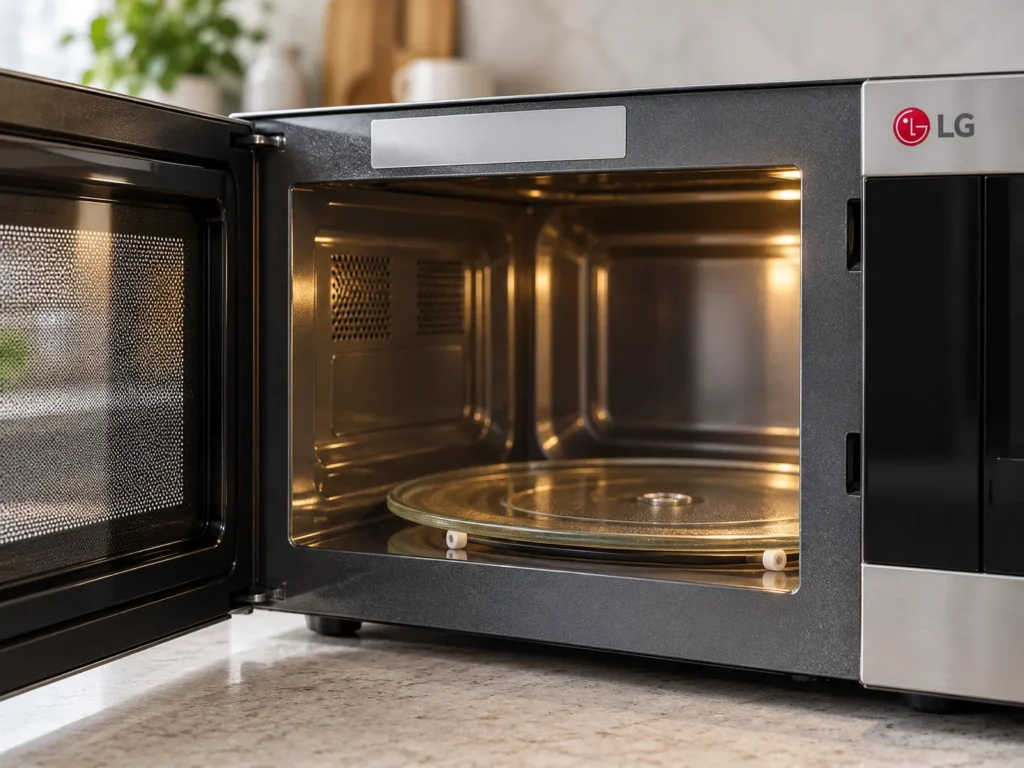
Most common issues on this model
- Humidity sensor results that end cooking too early or too late
- ThinQ pairing and connection to the app
- Vent fan and cooking light over the range
- Door latch and switches
- Heating strength during timed cooking
Offering 2.0 cu. ft. of room, the LG MVEL2033D is an over-the-range microwave with Sensor Cook, auto cook presets, and ThinQ app support. The MVEL2033F is listed as a variant of it. The unit is installed above a range, so it handles both cooking and venting.
Sensor Cook relies on humidity sensing to decide when food is done. When results seem off, we first rule out simple causes such as a blocked vent opening, a warm cavity from a previous cycle, or a closed door that is not seating well. Then we test the sensor circuit, the door switches, and a timed run on manual power.
On the venting side we check fan speeds, the lights, and the grease filters. Models of this type also rely on a steady home network for app features, so we look at the connection when the app will not pair. We copy the model and serial from the label before ordering parts, give you a price in writing, and back the work for 30 days.
Key features
- 2.0 cu. ft. capacity
- Over-the-range microwave
- Sensor Cook with humidity sensing
- Auto cook presets
- ThinQ app and barcode scan for select meals
Error codes this model can show
Why does Sensor Cook on my MVEL2033D stop too early?
Sensor Cook reads humidity from the cavity. A warm start, steam trapped by a poor door seal, or a sensor circuit problem can all change the result. We test manual timed cooking first, then the sensing circuit.
Is the MVEL2033F the same repair as the MVEL2033D?
The F is listed as a variant of this model, so we confirm the full model and serial from the label before ordering parts. That way the part matches the exact unit you own.
Can the ThinQ barcode feature be repaired?
The barcode scan happens in the phone app, and the oven receives the settings over your network. We check the unit's connection and controls, and if those work, the fix is usually in the app or router.
Book repair for your MVEL2033D
Book in about a minute, or call the desk. Same-day windows inside the Loop on most days, next-day across the rest of Houston.